No-code product tours for customer support teams
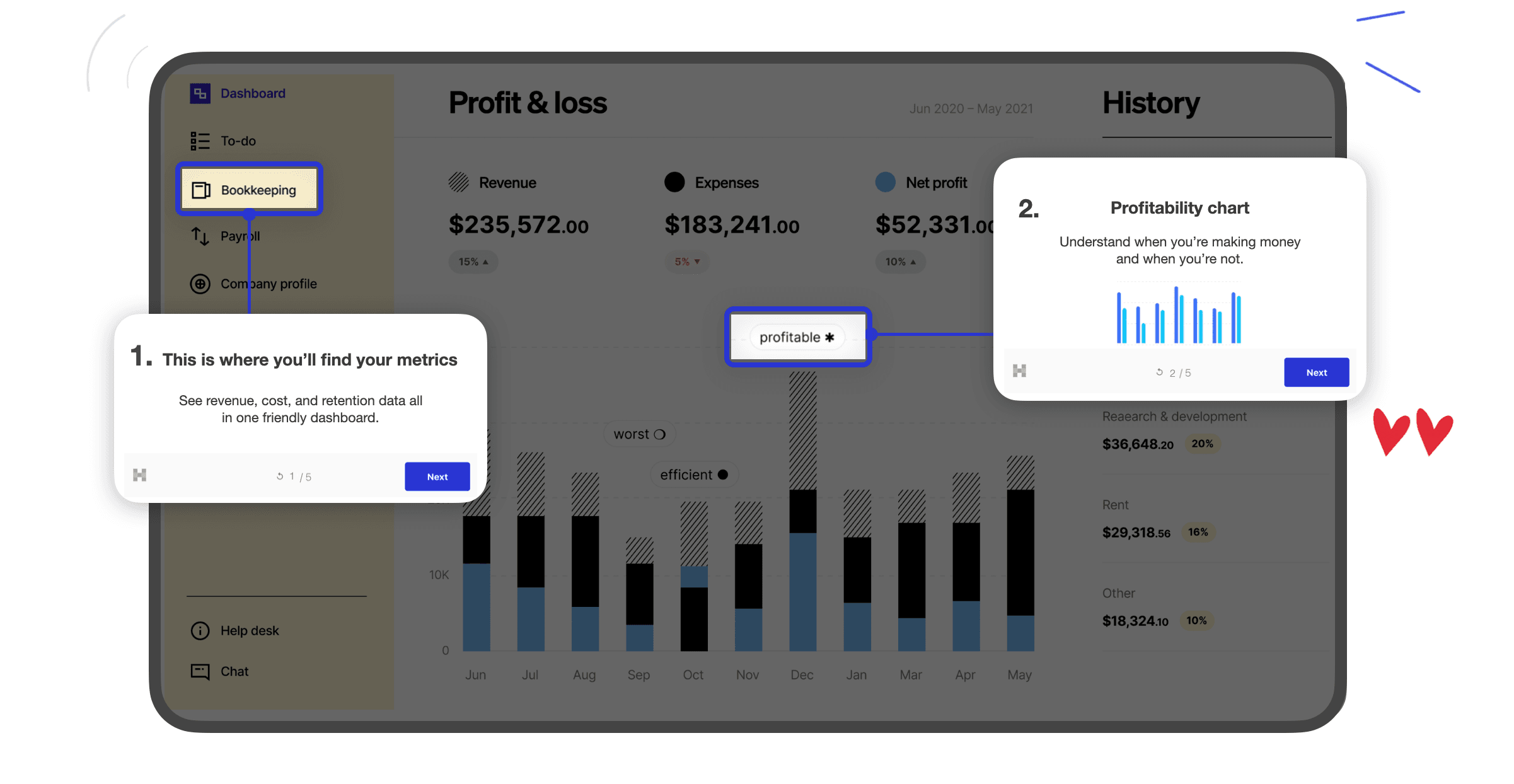
The same questions fill your queue every week. Hopscotch lets support teams answer them inside the product, before a customer opens a ticket.

What teams say about support load on G2
"This product onboarding software is a lifesaver for our support team. We've replaced dozens of one-on-one walkthrough calls with automated, beautifully-designed product tours, saving us an estimated 25 staff hours per month."
Vanessa W., VP of Marketing, small software company
"Hopscotch allows us to create intuitive, step-by-step guides directly on the interface. This has drastically cut our training time and reduced the number of support tickets from confused operators."
Harper L., Chief Maintenance Officer, mid-market manufacturer
Loved by hundreds of SaaS teams











Why support teams answer the same question twice
Help docs live outside the product. Customers rarely search the knowledge base until they're already frustrated.
Walkthrough calls don't scale. Every live screen share is time your team can't spend on complex issues.
Support sees friction first but can't fix it. Agents know exactly where users get stuck, but changing the product means filing a request and waiting.
Hopscotch gives support teams a way to fix confusion where it happens. Learn how in-app guidance helps reduce churn.
Turn your top tickets into tours
Take the questions your team answers most and build a short tour or tooltip on the exact screen where customers get stuck. No engineering ticket required.
Replace one-on-one walkthroughs
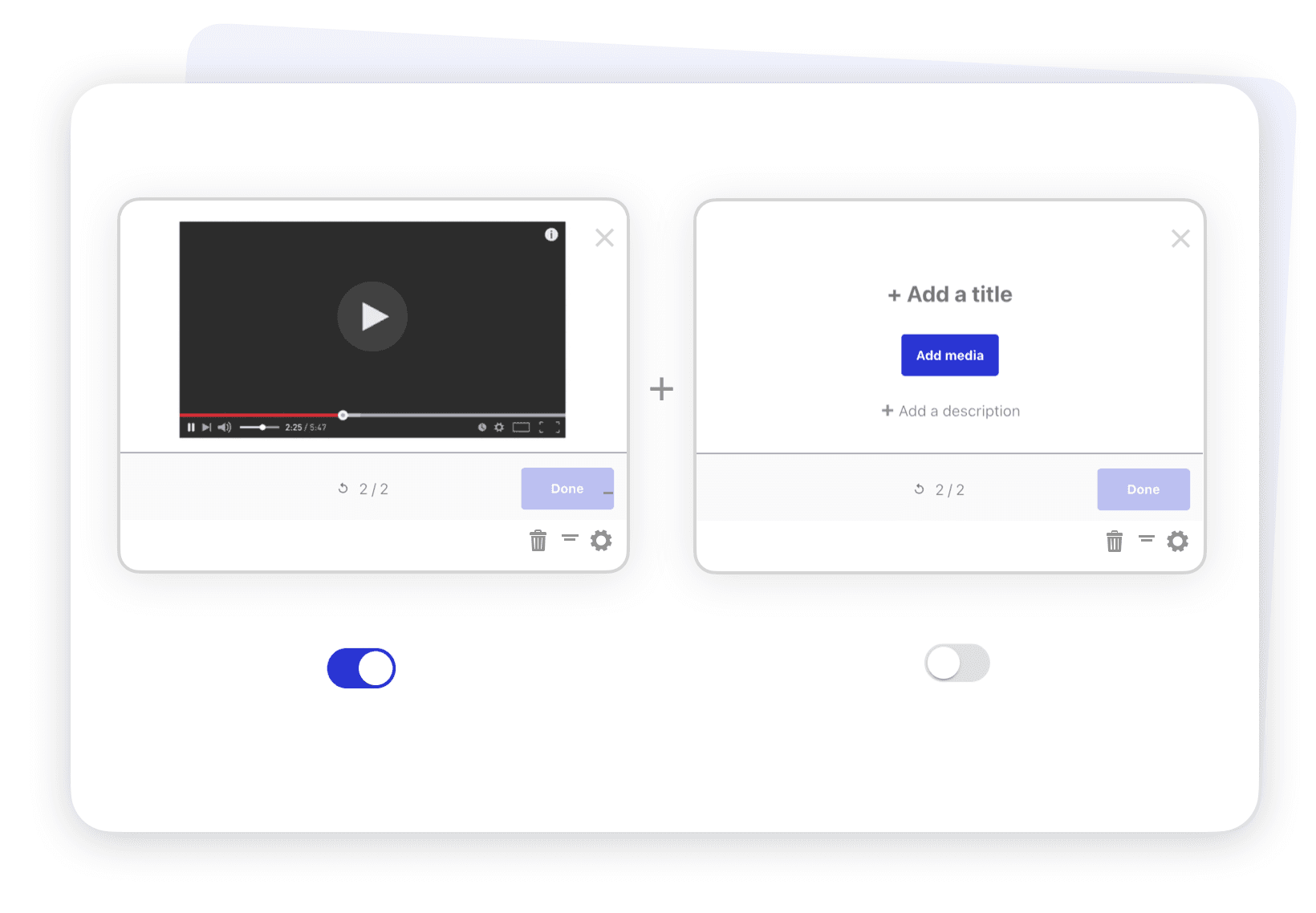
Automate the setup calls your team runs for every new account, and save live time for the customers who need it. See how teams handle one-to-one onboarding at scale.
Announce fixes and changes in the app
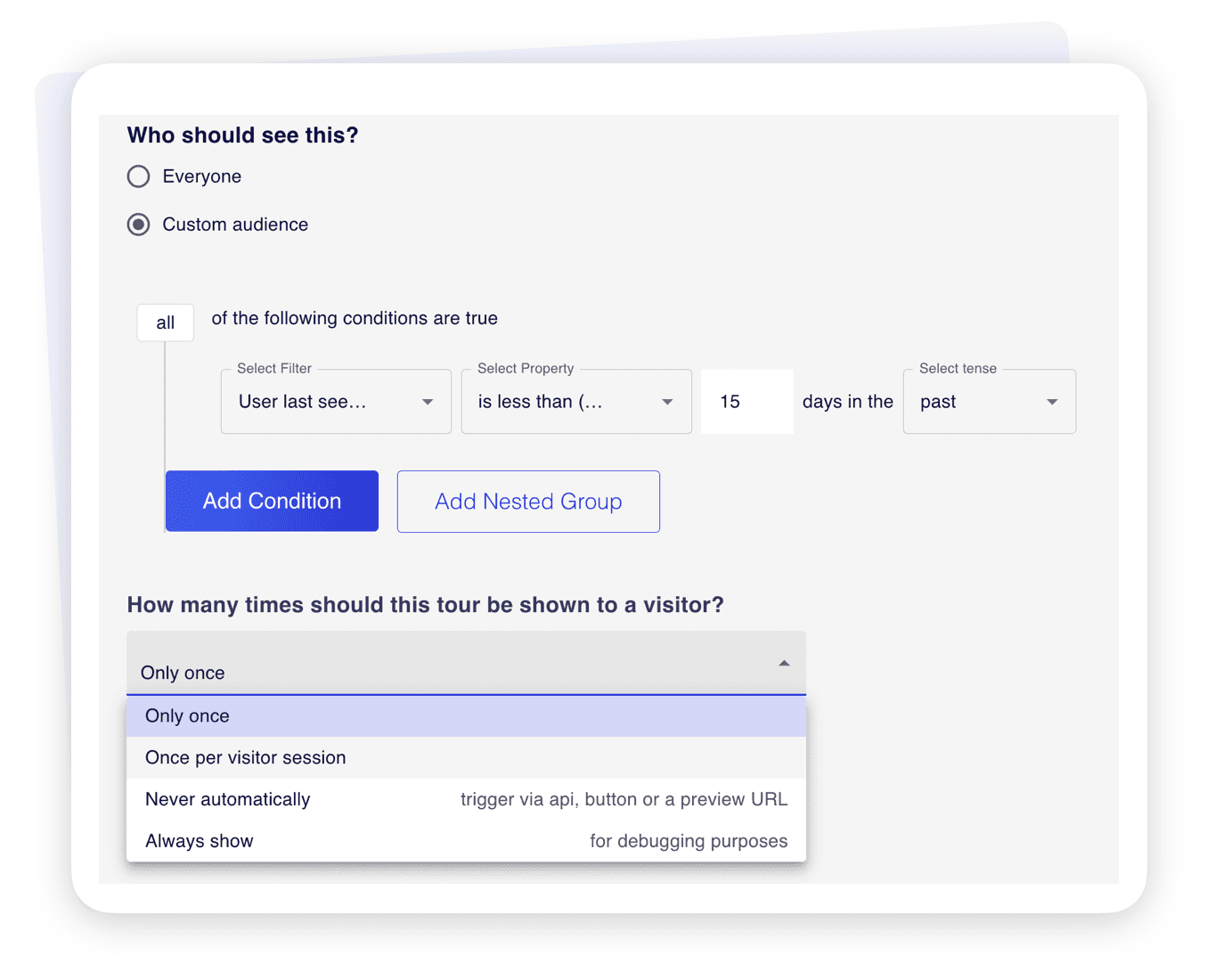
When a workflow changes or a known issue is resolved, tell the affected users with a targeted in-app announcement instead of a mass email. Follow up with a quick in-app survey to confirm it worked.
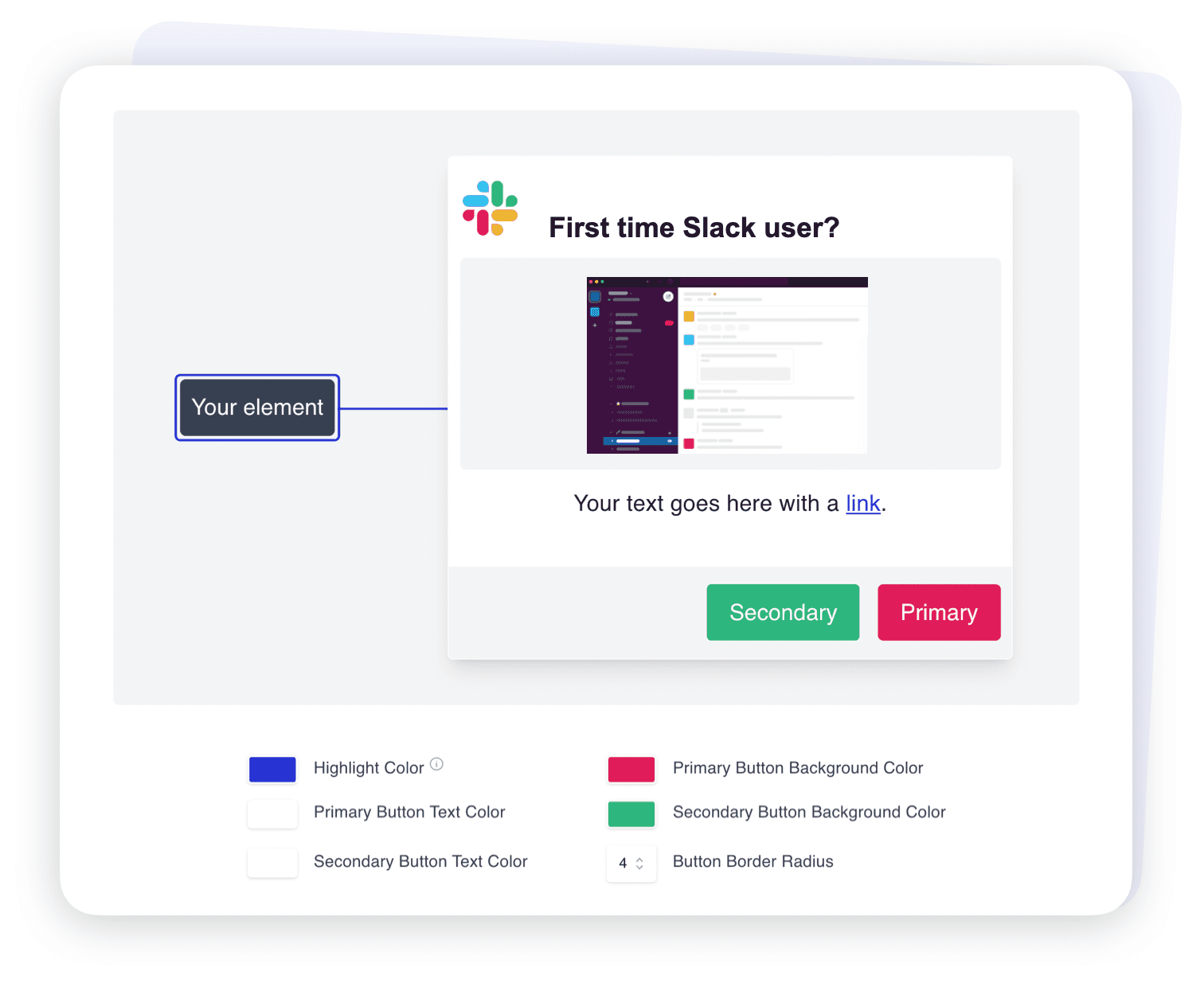
Hopscotch integrates with tools you use






FAQs
They answer common questions on the screen where they come up. When customers can solve a problem without leaving the app, fewer of them open a ticket.
Yes. After a one-time install, anyone on the support team can build, edit, and publish tours and tooltips in a visual editor.
Yes. Target by any user property or event you send to Hopscotch, such as plan, role, account status, or whether a user has completed a setup step.
Hopscotch shows views, completions, and drop-off for every tour. Compare that with ticket volume on the same topic in your help desk to see which guidance is working.
No, it complements it. Tours cover the moments when users need guidance in context, and any step can link to a help article for more detail.
Our handy Chrome Extension enables you to see your experiences in your app without ever bugging a developer! This is available in your dashboard and does not need any code installation.
To go live with your experiences within your actual product or application, you will need to install the Hopscotch code snippet. If you use Segment or Google Tag Manager you may not need a developer, but if not, you will need someone who is able to add the code snippet manually. One line of code is all it takes to use Hopscotch.
No, you don’t need a credit card! Simply sign up and begin creating onboarding experiences. Only once you push experiences to your live application do we require a credit card.
Email us at [email protected]. We reply to most inquiries within a few hours.