No-code product tours for UX and design teams
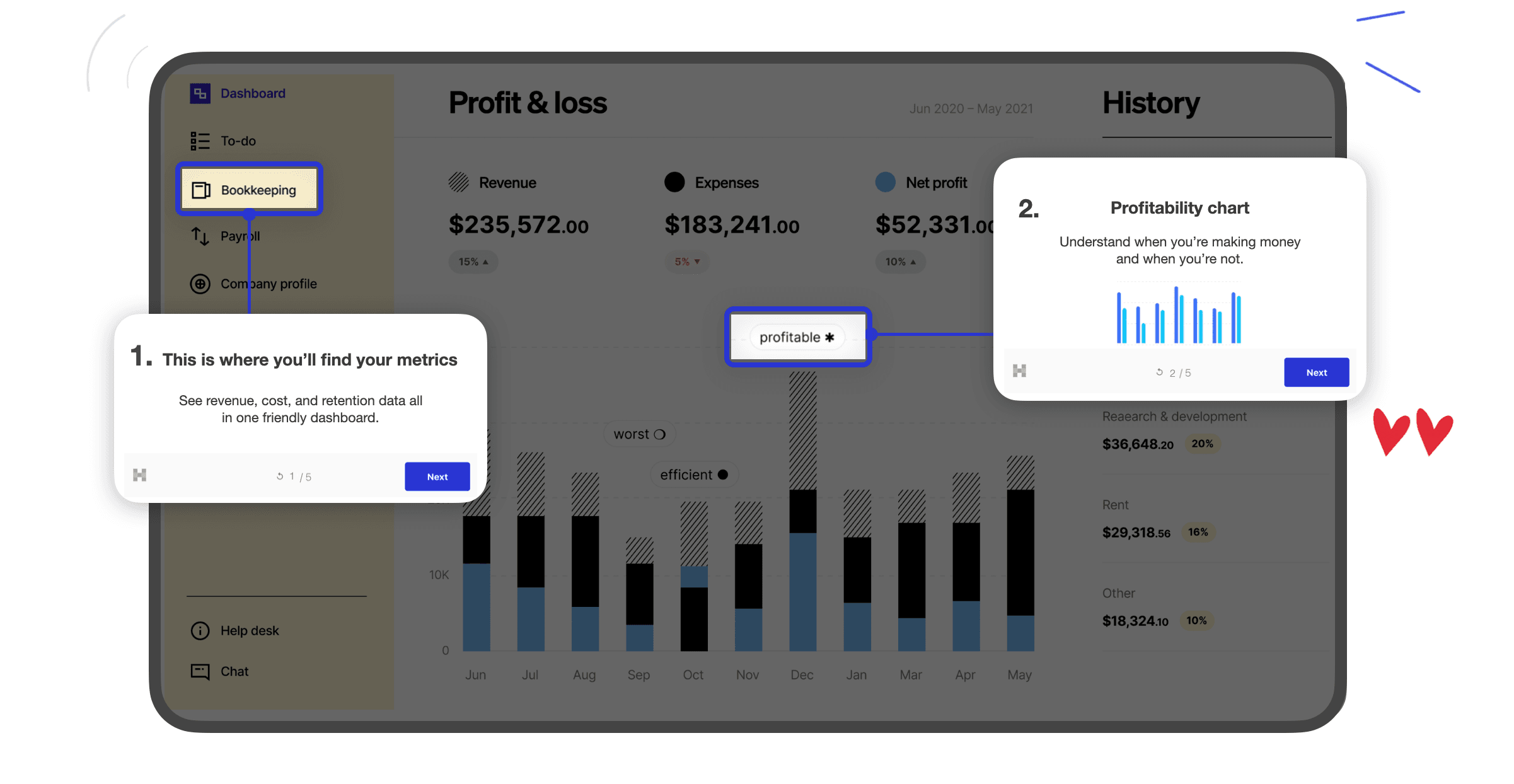
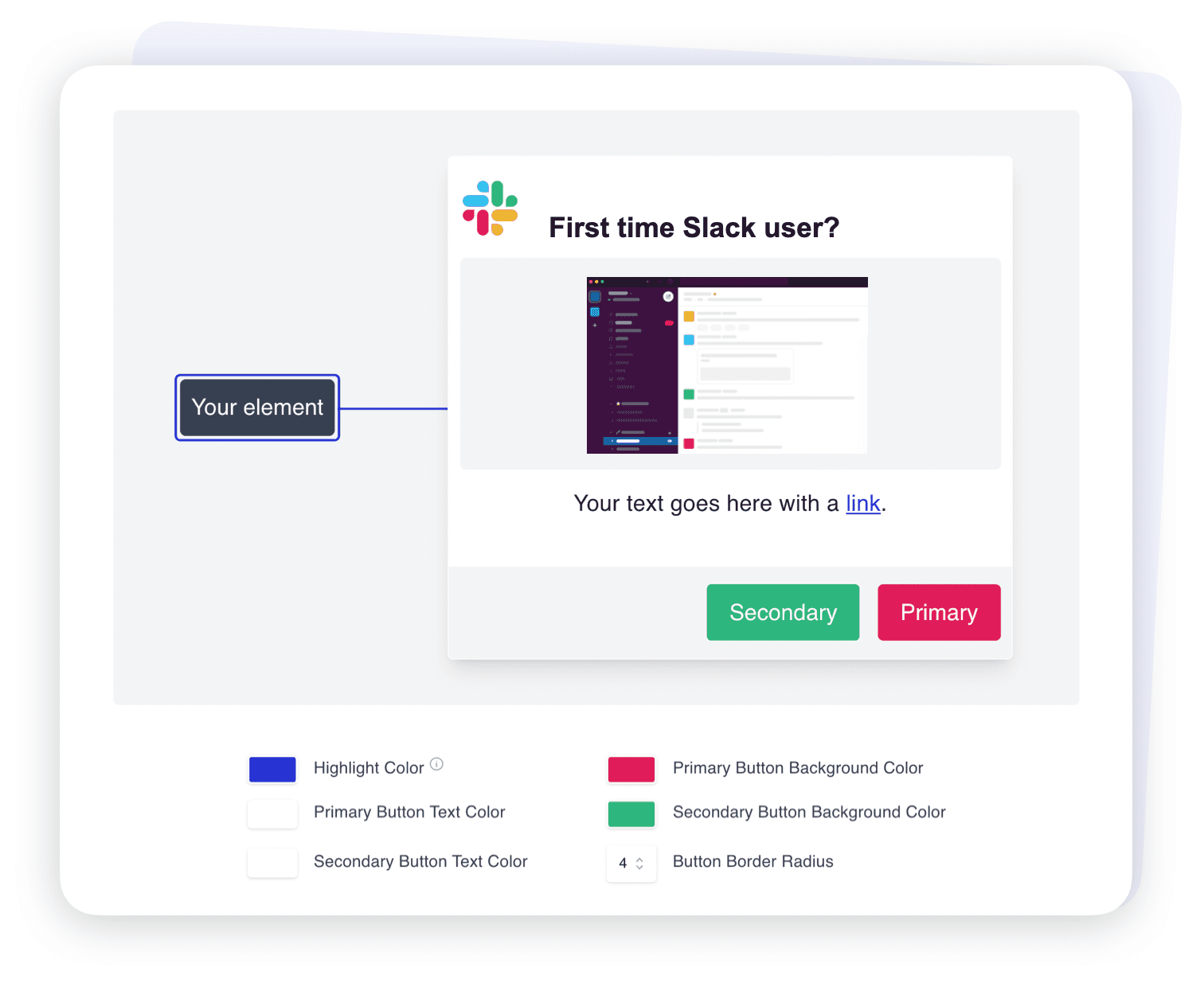
Most product tour tools look like a third-party widget bolted onto your app. Hopscotch gives designers control over fonts, colors, themes, and CSS, so in-app guidance looks like your product.

What teams say about Hopscotch's design on G2
"I love how easy Hopscotch is to use: the no-code builder lets us roll out interactive tours in just hours, and the branding/customization options make it look polished and part of our product instead of feeling like an add-on."
David R., Chief Marketing Officer, mid-market software company
"Hopscotch's editor is simple, the preview helps a lot, and the end result looks professional."
Stacy H., VP of Marketing, mid-market software company
Loved by hundreds of SaaS teams











Why in-app guidance breaks design systems
Default templates clash with your UI. Generic tooltips and modals make a polished product feel cobbled together.
Designers lose the last mile. Specs get approved, then onboarding ships with whatever styles the tool allows.
Inconsistent guidance erodes trust. Users notice when help content doesn't look like the product around it.
Hopscotch treats tours as part of your interface. See how that works for tooltips and modals.
Design the flow, not just the screens
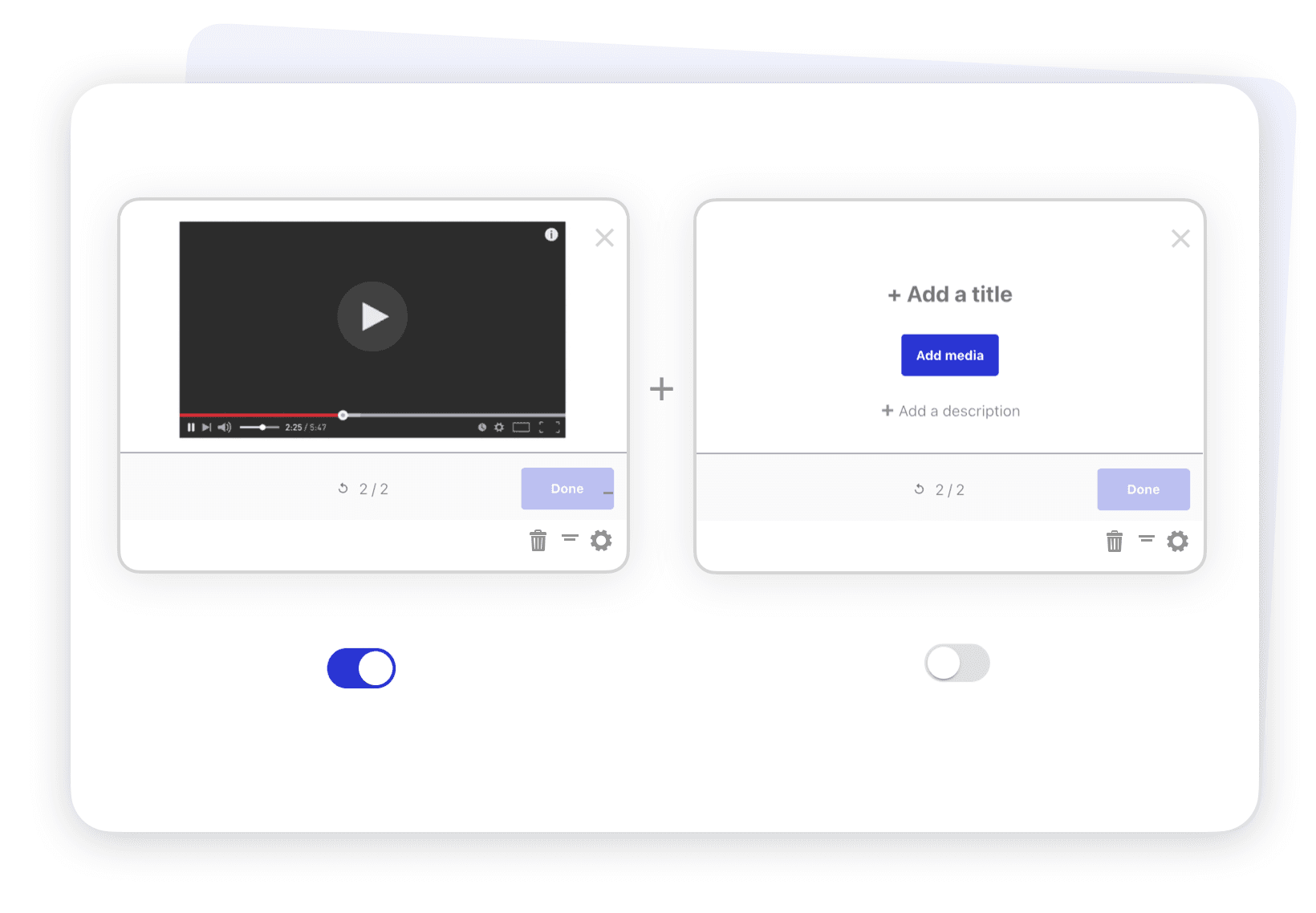
Build multi-page tours that follow users across your app, and anchor each step to a specific element so guidance appears exactly where it belongs. Works in single-page apps and on dynamic URLs. More on user onboarding.
Validate designs with real users
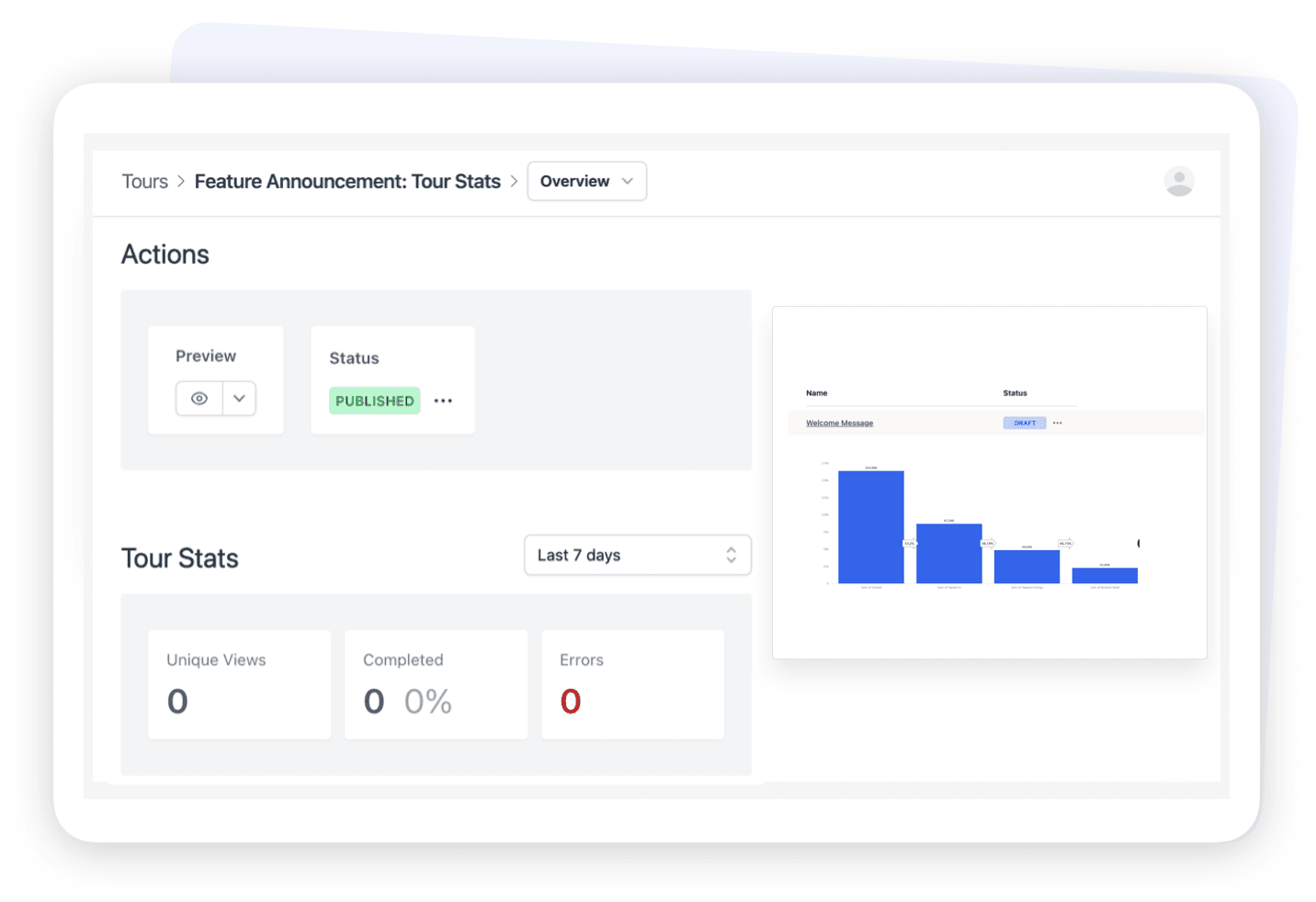
Step-level completion and drop-off show where a flow loses people, and in-app surveys let you ask why. Iterate on copy and layout without waiting for a release.
Hopscotch integrates with tools you use






FAQs
Yes. Use custom fonts, colors, and images, save themes, and apply custom CSS for fine control over every tour, tooltip, and modal.
Yes. After a one-time install, designers build and edit tours in a drag-and-drop editor and preview them in the live product with the Chrome extension.
Yes. Save themes and templates so every new experience starts with your brand styles, and anyone on the team can build without breaking the design system.
Yes. Tours can span multiple pages, target dynamic URLs, and anchor to specific elements in single-page apps.
Preview it in your app with the Chrome extension, then publish to a targeted segment. You can adjust copy or styling at any time without a deploy.
Unfortunately, Hopscotch does not support mobile applications at this time.
No, you don’t need a credit card! Simply sign up and begin creating onboarding experiences. Only once you push experiences to your live application do we require a credit card.
Email us at [email protected]. We reply to most inquiries within a few hours.